

Aperlo · macOS 14+
Your pictures. Room to breathe.
Aperlo is a native Mac image viewer for browsing pictures where you keep them. Open one image, choose several, or explore a folder without importing a photo library.
Preparing for the Mac App Store




BROWSE YOUR WAY
- Toolbar buttons, arrow keys, zoom, and optional full-screen click navigation.
- Smart zoom and supported page swipes are also available. Page swipes depend on your system settings and switch images while the whole image fits; when zoomed in, scrolling pans.
- Open files and folders from the system picker, Finder, or drag and drop.
- Include subfolders when you want to browse a whole collection.
- Move between the large image, thumbnail sidebar, and gallery while keeping your selection.
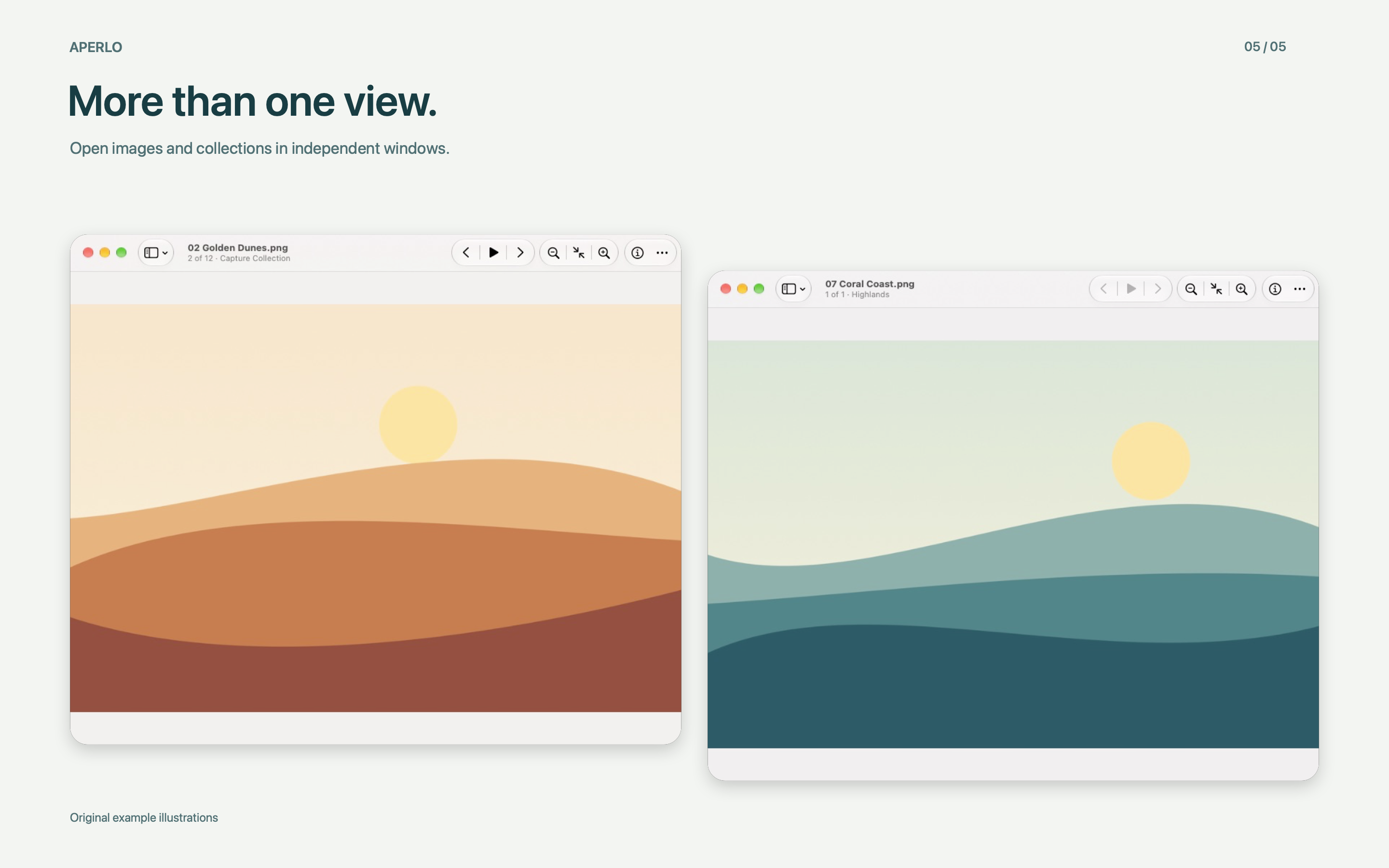
- Open separate collections in separate windows.
TAKE A CLOSER LOOK
- Fit images to the window, inspect actual pixels, zoom, and pan.
- Use native full screen, keyboard navigation, and supported page-swipe gestures.
- Play a slideshow with adjustable timing, shuffle, and repeat.
- View image dimensions, format, file size, and available photo metadata.
- View common formats including JPEG, PNG, HEIC, TIFF, WebP, and animated GIF.
PICK UP WHERE YOU LEFT OFF
- Reopen a recent folder or the same ordered group of images to continue from your saved position. Recent collections are also available from the Dock. Launching Aperlo still lets you choose what to open.
MADE FOR YOUR MAC
- Choose System, Light, or Dark appearance. English is the default language; Simplified Chinese, Traditional Chinese, and Japanese are available in Settings.
Image viewing runs locally and does not modify your files. No account is required. Aperlo does not upload images or browsing history. Feedback is optional and opens your browser or an editable email draft.
All image-viewing features are free. Optional in-app purchases let you leave a tip or purchase a restorable supporter badge in Settings. There is no subscription.